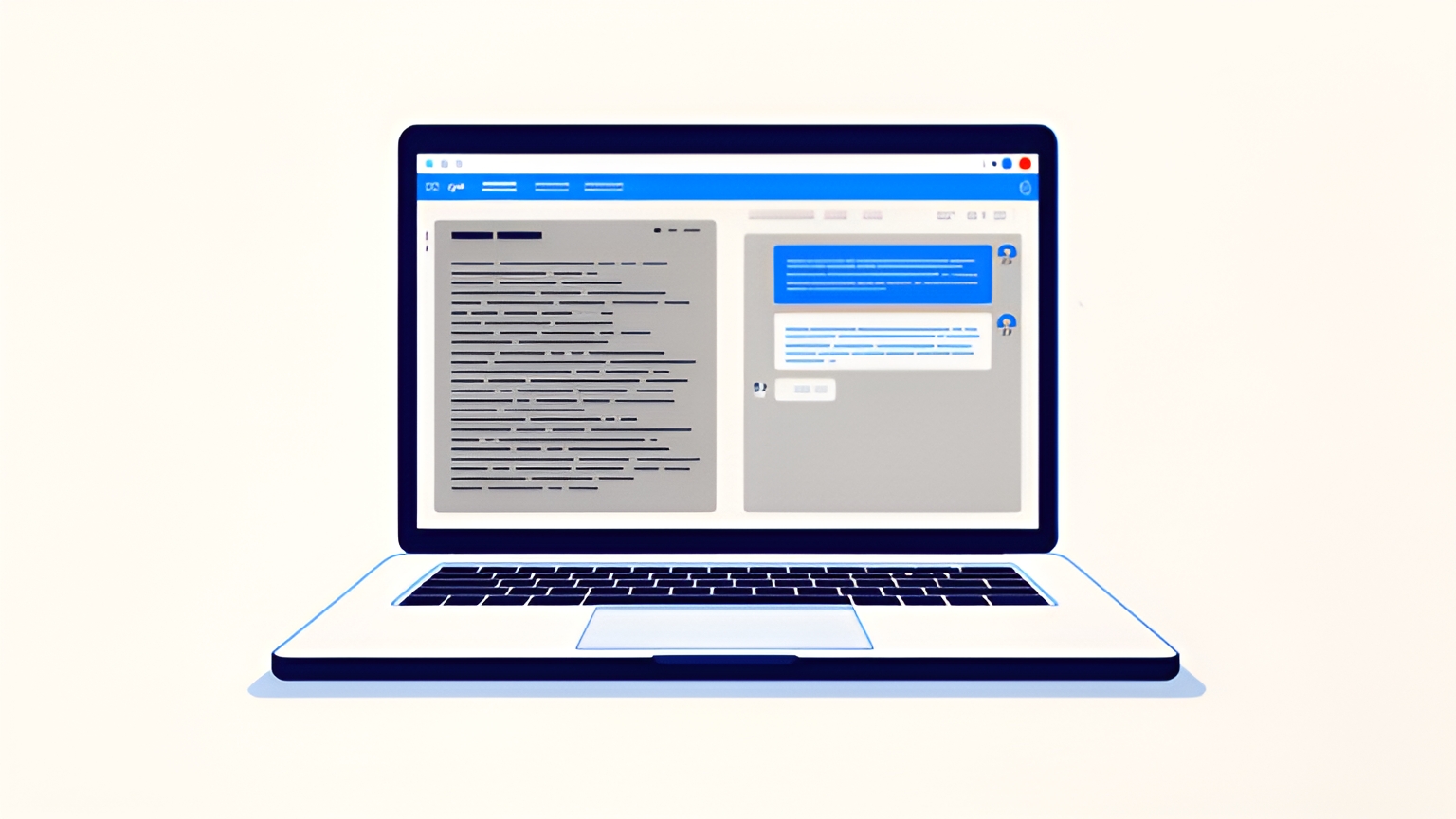
Devin Desktop version 3.10.48 adds two diagnostic profiling commands and a new sign‑in option that routes GPT usage to a ChatGPT Plus or Pro subscription.
Cognition’s documentation says the new commands Devin: Save Language Server Memory Profile and Devin: Save Language Server CPU Profile create a .zip file that can be sent to support for analysis. The release also notes that long or noisy shell commands no longer increase the Agent window’s memory with each terminal refresh, and that typing, selecting text, and copy‑paste no longer stall the extension host.
The same update introduces a Sign in with ChatGPT flow. Users can sign in to Devin with their ChatGPT credentials and, if they have an eligible ChatGPT Plus or Pro plan, bill GPT model requests in Devin Desktop to that plan. The documentation points to using Fusion with GPT‑6 Astra as the lead model and SWE‑2 as the sidekick for best value, and provides a setup guide for eligible models.
One user, @WaitSpin, reported that the profiling commands turn vague “the language server feels slow” reports into concrete artifacts, shortening the back‑and‑forth when filing issues. The user also noted that the ChatGPT sign‑in path is useful for teams standardizing on a single billing source, though eligibility and model coverage are defined in the linked setup docs rather than the changelog.
Additional tweaks include smaller local settings files for accounts with many models, a single resolution of user settings per change, and session‑list polling that backs off when Devin Desktop is unfocused or the conversation dropdown is closed.
Sources
Fan coverage from Devin Central — not an official Cognition announcement. Devin is a trademark of Cognition.